Steps to use Gale Literary Sources beginning from the University Libraries homepage.
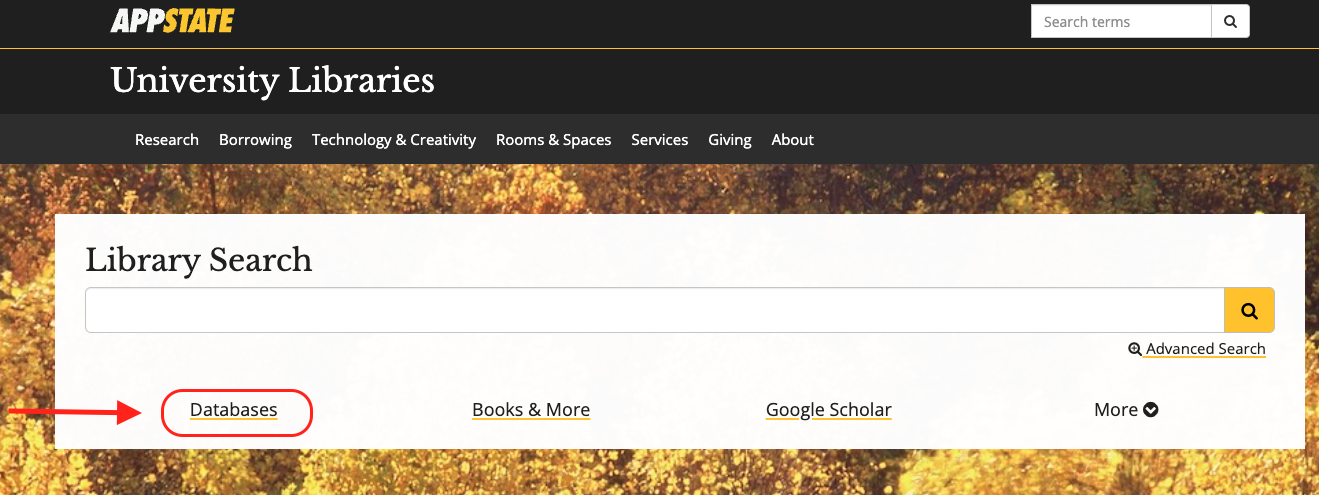
- From the University Libraries homepage, click on Databases
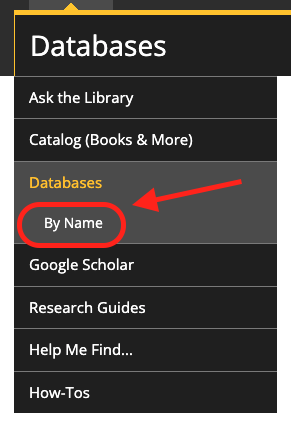
- Click on 'By Name' to search by name
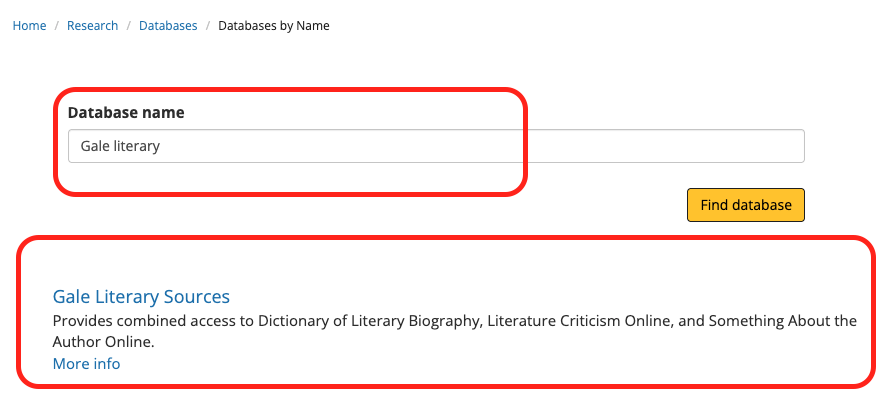
- Enter "Gale Literary" in the database search box, and click the 'Find databases' button
- Click Gale Literacy Sources
- You might need to login with your App State credentials
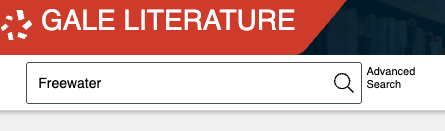
- On the homepage, type your search terms in the box and press the search icon.
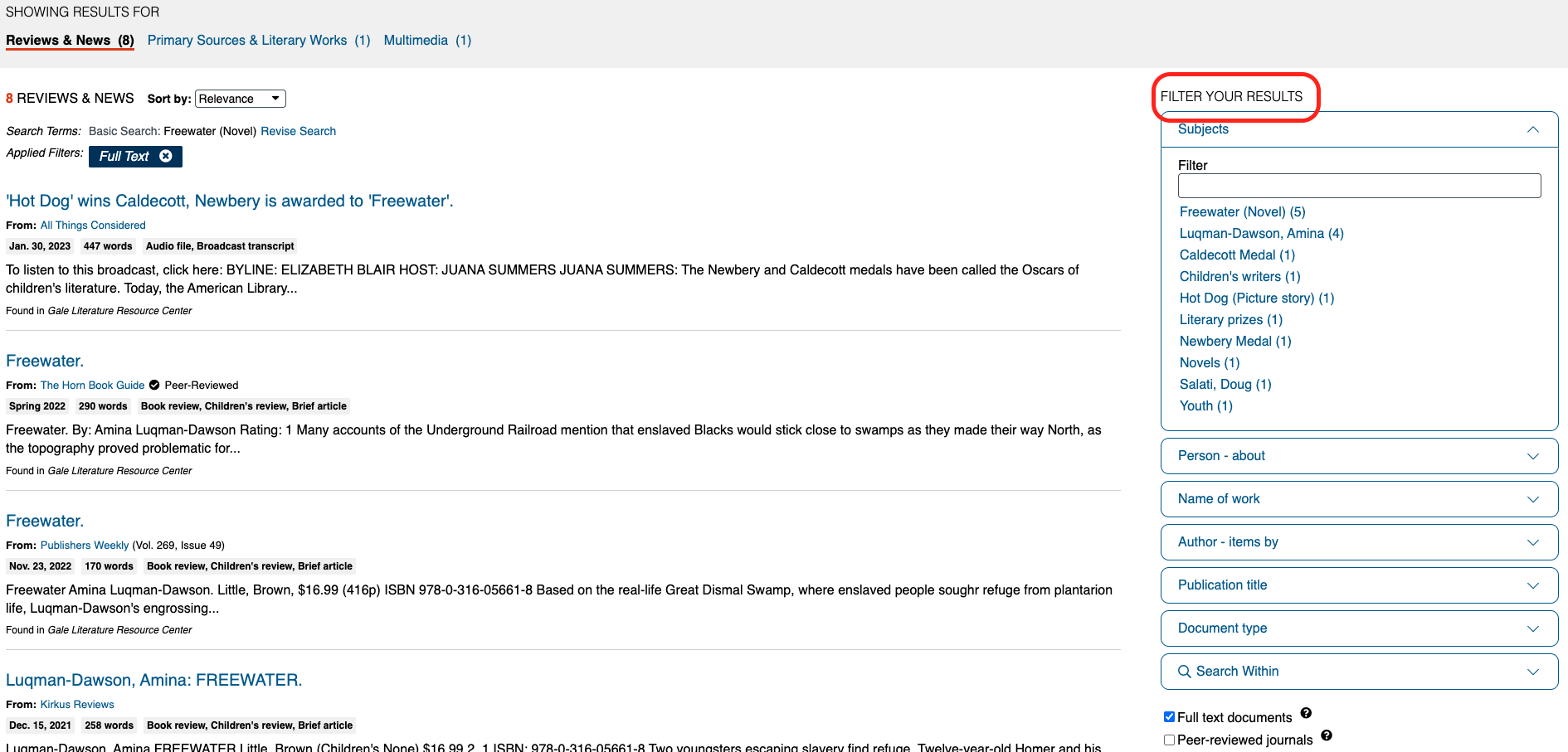
- On the results page, you have several options for filtering your results.
Tips for Navigating Articles From Gale Literary Sources
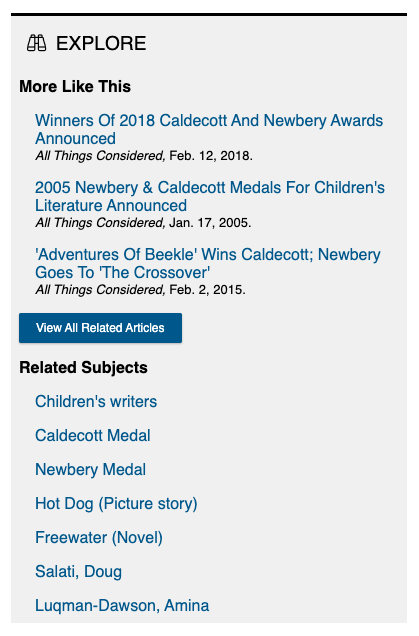
- When viewing a source, you can view similar sources or subjects.