Steps on how to use the Something About the Author database to find author or illustrator information.
- The biographies from this database include basic personal and career information as well as a feature called Sidelights which is an essay on the author or illustrator's life and works.
How to Access
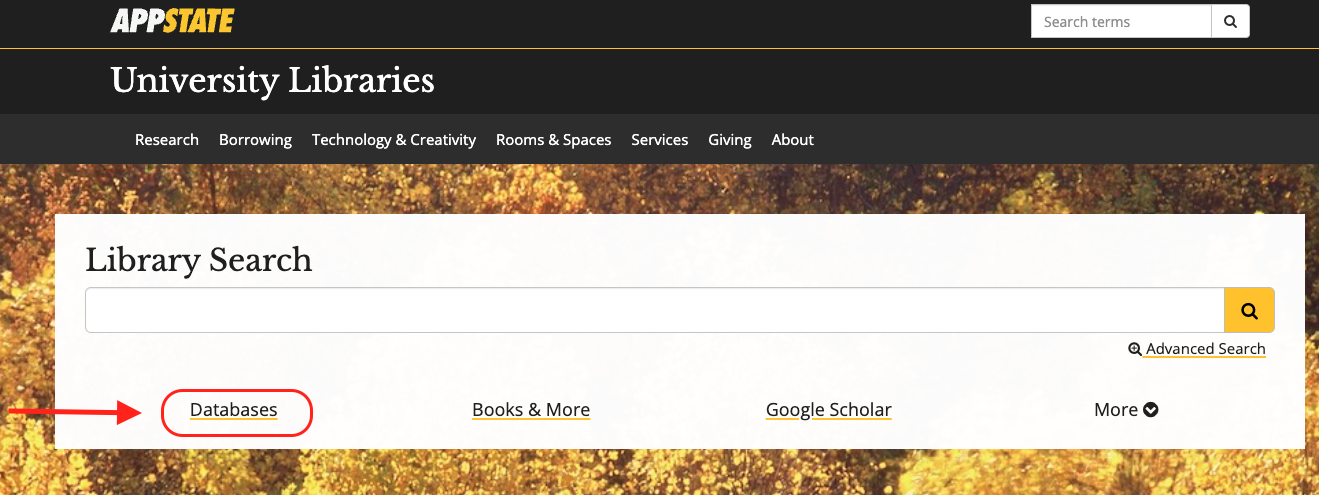
- From the University Libraries homepage, click on Databases
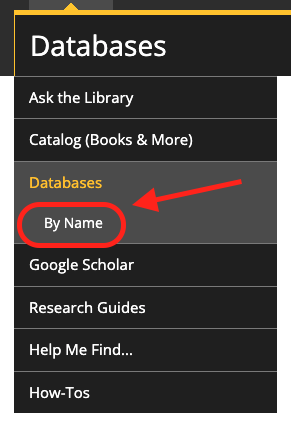
- Click on 'By Name' to search by name
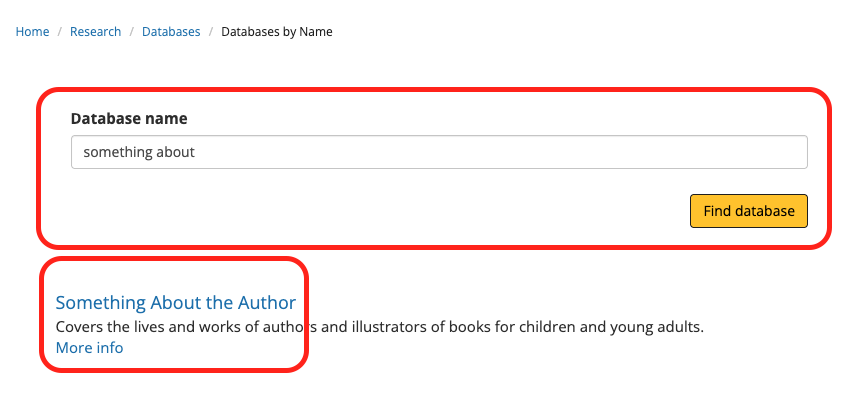
- Enter "Something About" in the database search box, and click the 'Find databases' button
- Click Something About the Author
- You might need to login with your App State credentials
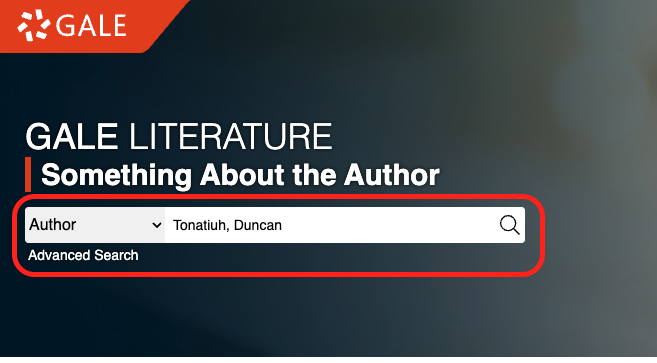
- In the search box, type in an author or illustrator's name and click the search icon.
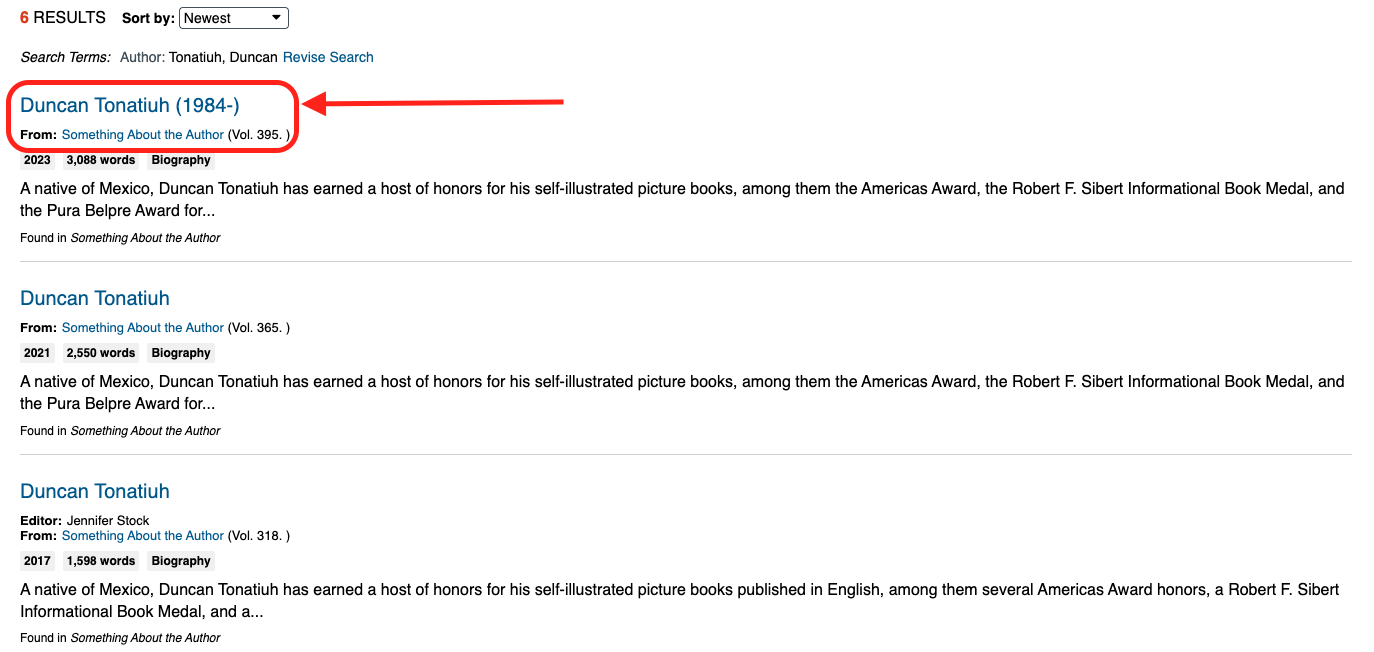
- By default, the results are sorted by date. Click the first result to open the most recent biography
Viewing Options
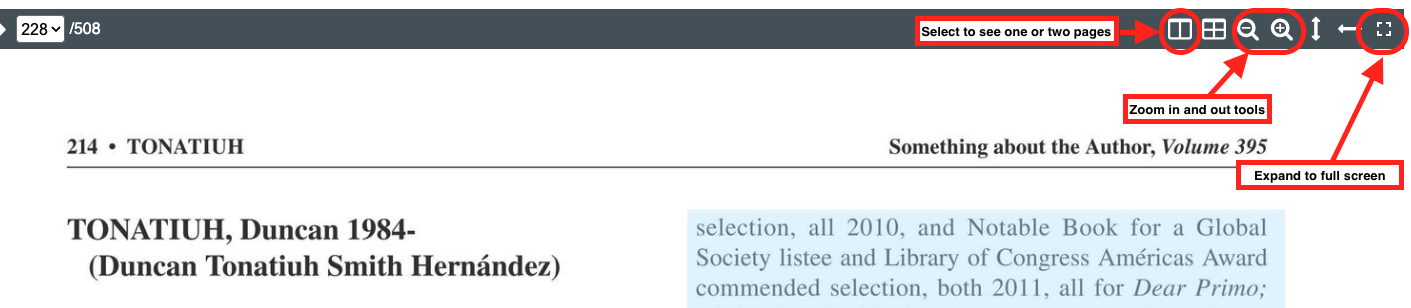
When you open an article, there are a few ways to navigate it to make it easier to read.:
- You can zoom in and out
- You can select to see one or two pages
- You can expand to a full screen