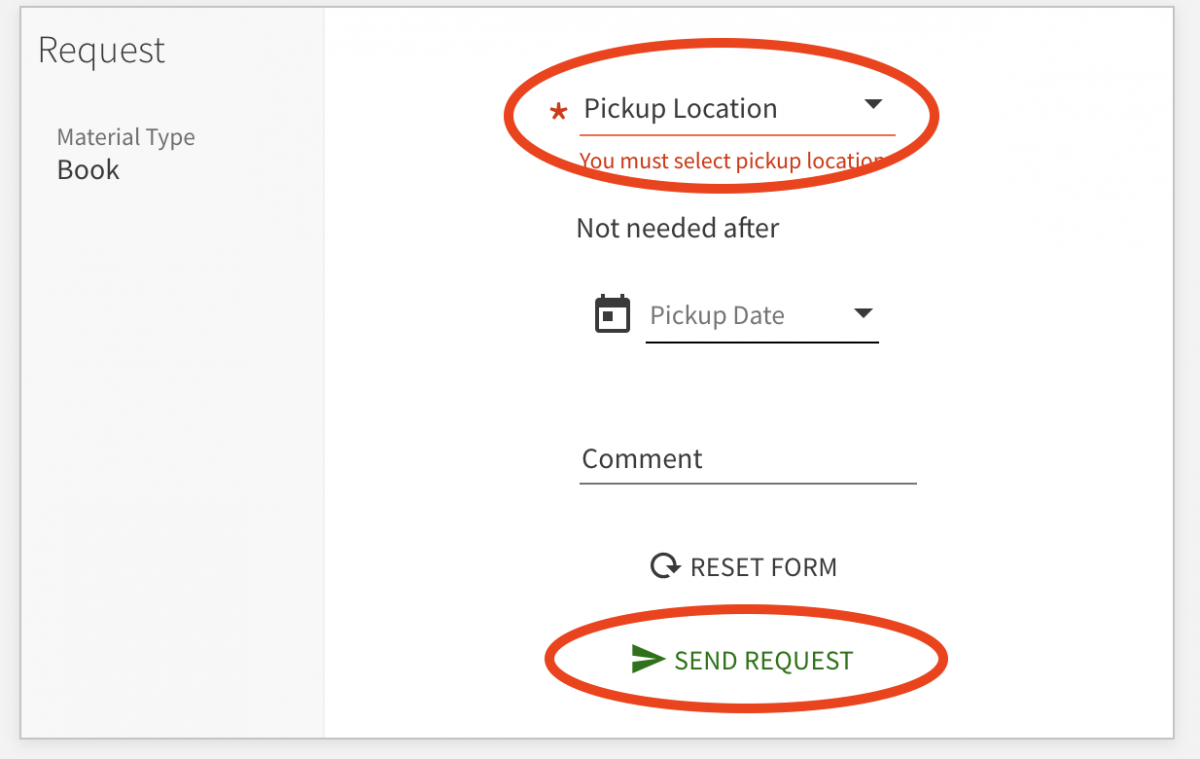
Place a request using the library catalog and we'll send the book to any university library location and hold it at the desk for you.
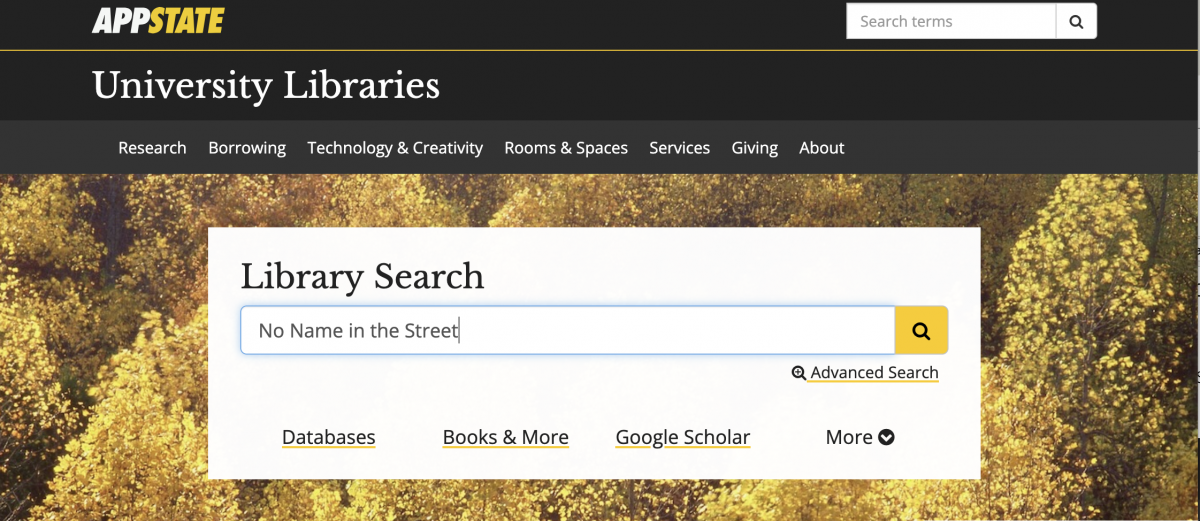
- Search Library Search for the title you want.
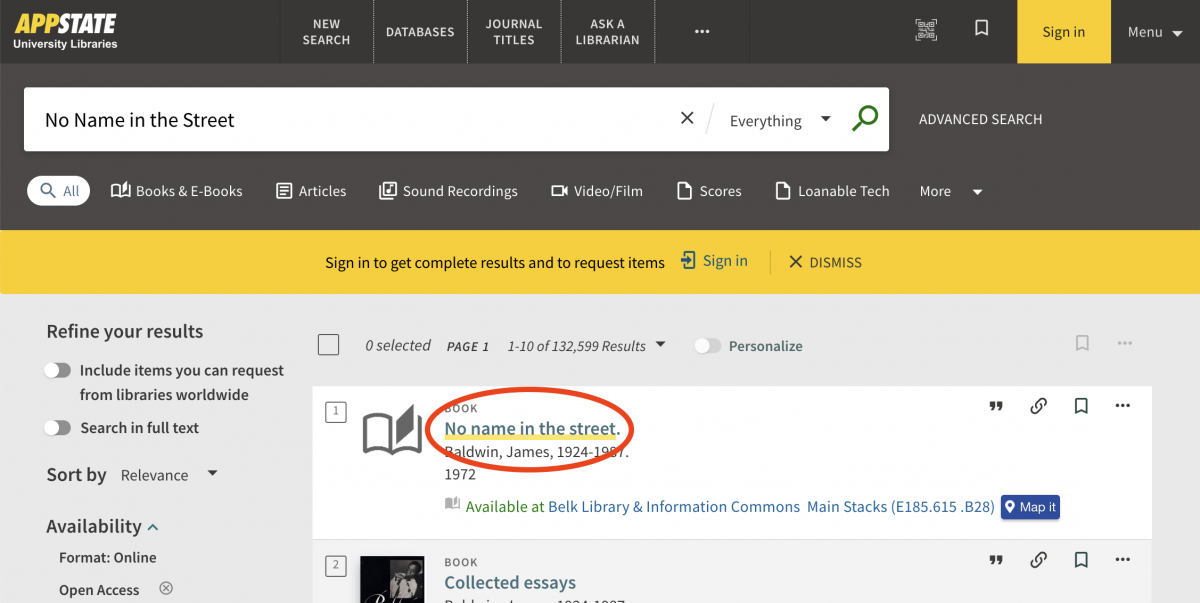
- Choose the title of the item you want to see its full record.
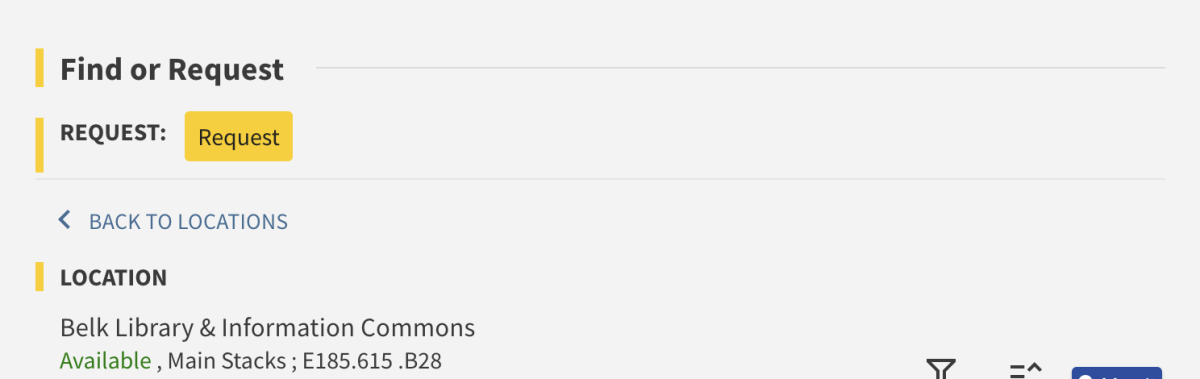
- Look for the Find or Request section, and Sign In if you see a gold prompt like the one below. If you are already signed in, skip to Step 4.
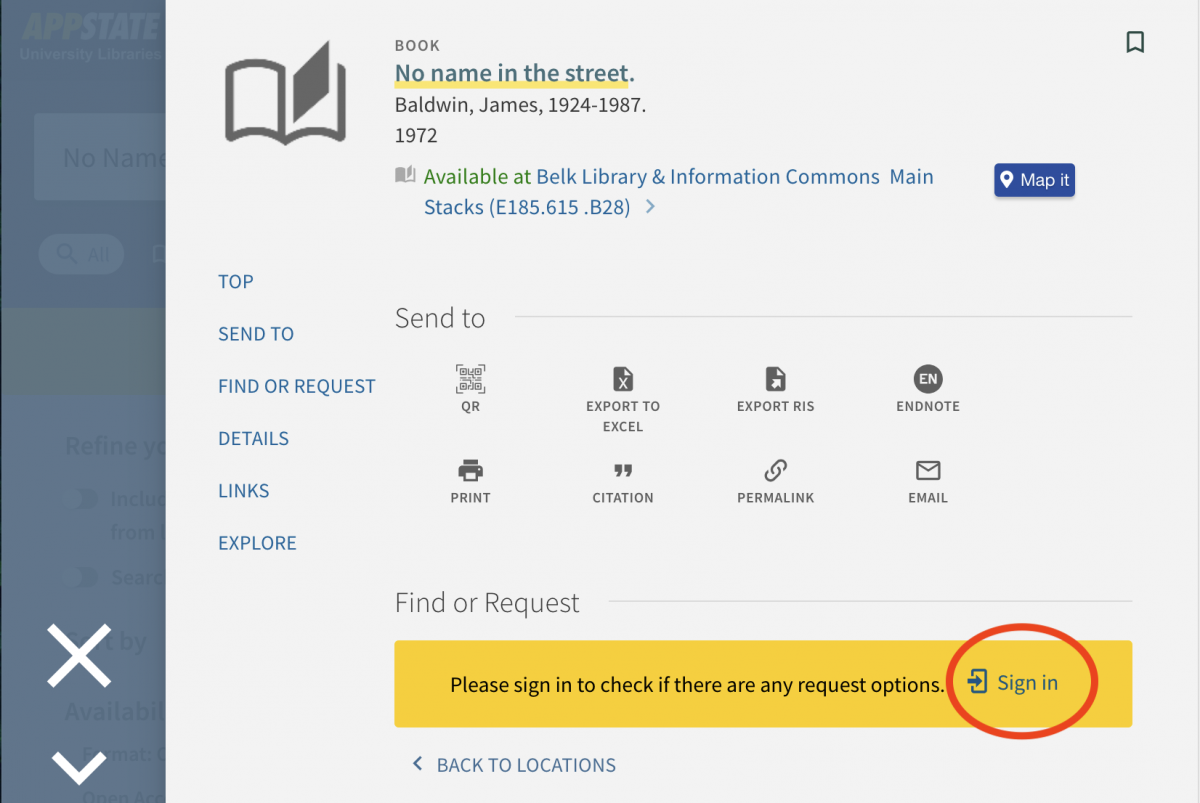
- In the Find or Request section, choose Request.
- Select a pickup location and then choose Send Request. You'll get an email when your item is ready for pickup.