How to Use Boolean Operators
This tutorial will cover:
- What is a Boolean operator
- How to use AND
- How to use OR
- How to use NOT
What is a Boolean Operator
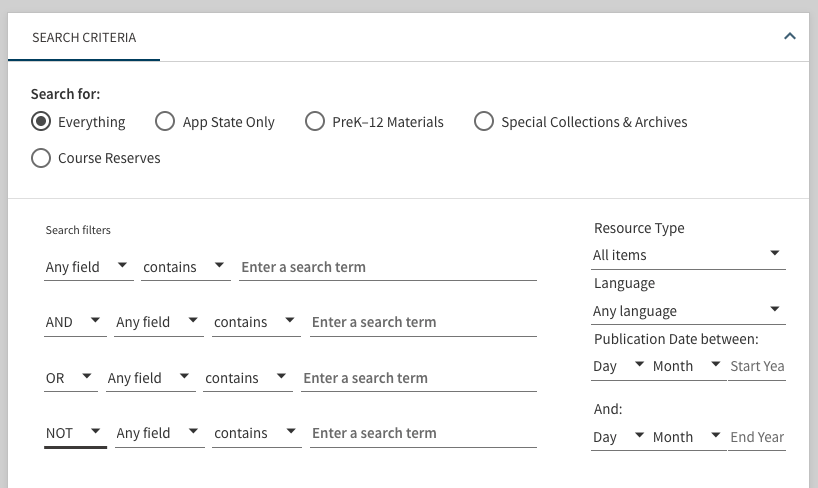
Boolean operators are words that are used as conjunctions to combine and exclude keywords in a search. They can be used to connect your keywords together to either narrow or broaden your search results. You can use Boolean operators as an advanced search tool in the libraries’ catalog as well as many of the library databases. There are three basic Boolean operators, AND, OR, and NOT.
How to use AND
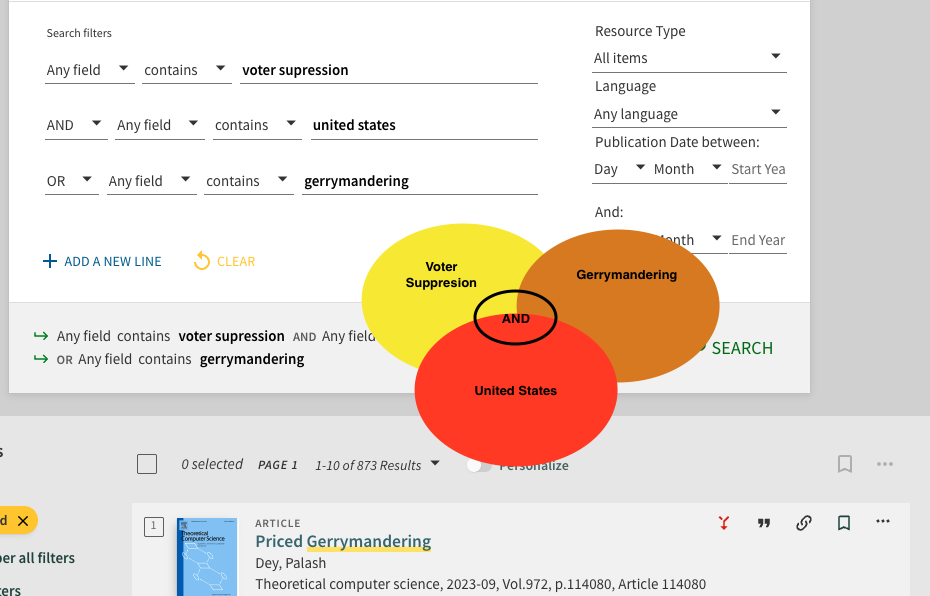
- AND can be used to narrow your search results. AND tells a database that ALL search terms must be present in the search results. For example, AND can be used to search records that contain voter suppression AND gerrymandering AND United States
- AND tells a database that all of the keywords connected with AND must be present in the search results
- The triangle in the middle of the Venn Diagram represents the result for this search. It is a small set using AND, the combination of all three search words
How to use OR
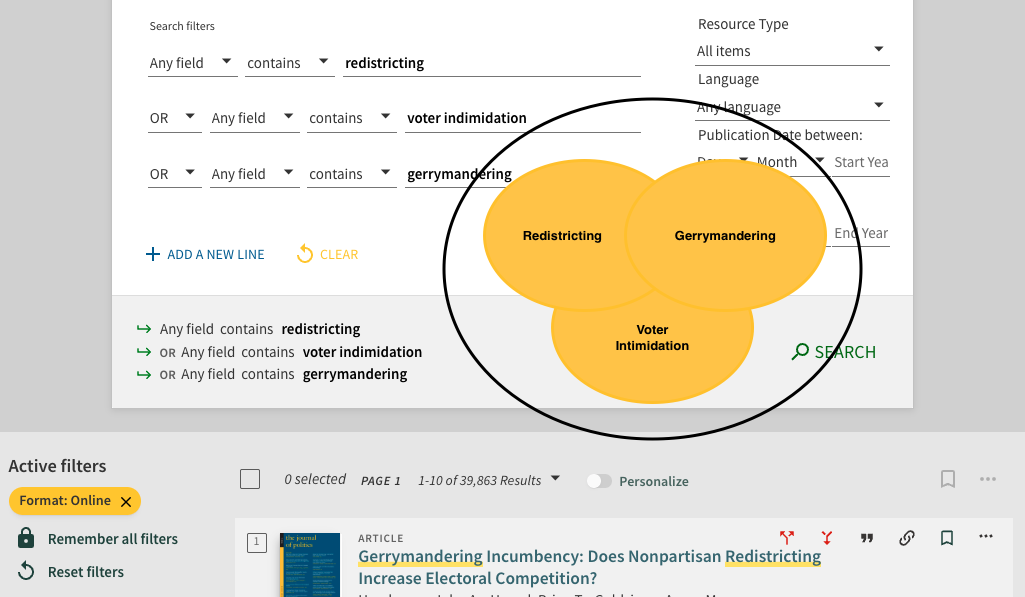
- OR can be used to broaden your search results. OR tells a database to connect two or more similar terms or synonyms. For example, OR can be used to search records that contain redistricting OR gerrymandering OR voter intimidation
- This tells a database that any of the connected search terms can be present in the search results
- All three circles represent the results set for this search. It is a big set because any of those words are valid using the OR operator
How to use NOT
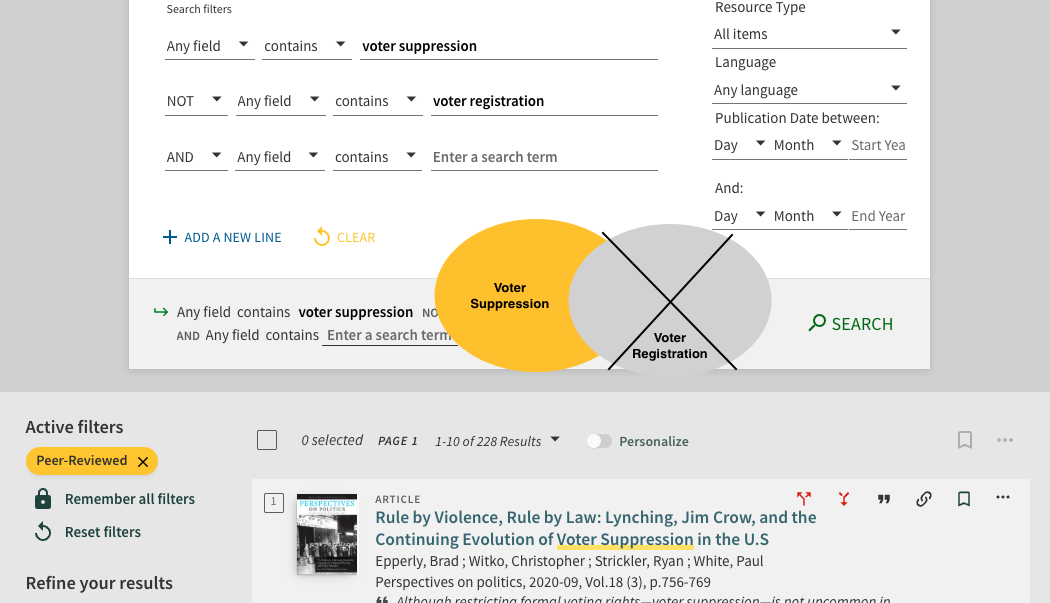
- NOT can be used to narrow your search by excluding a certain term or subject from your search.
- If you are looking for information on voter suppression but not voter registration, you could use NOT.