Place a request in Library Search to have App State items held at any of our library locations for you:
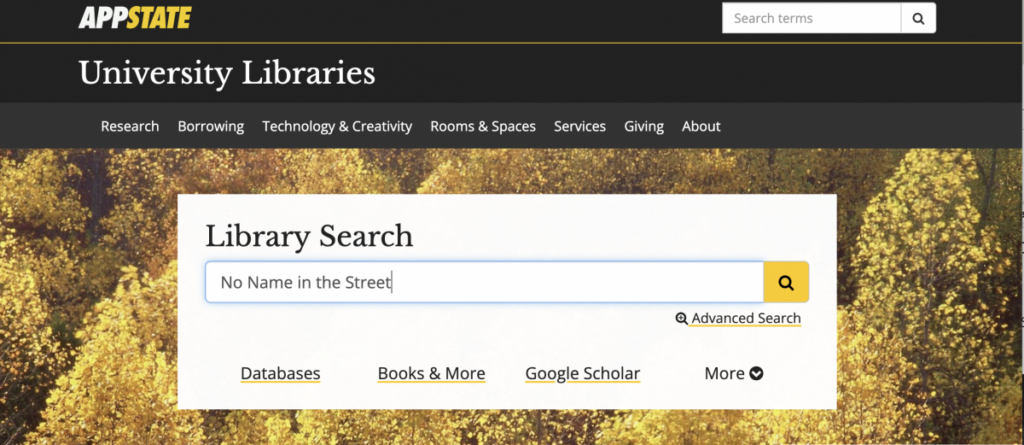
Search Library Search for the title you want.
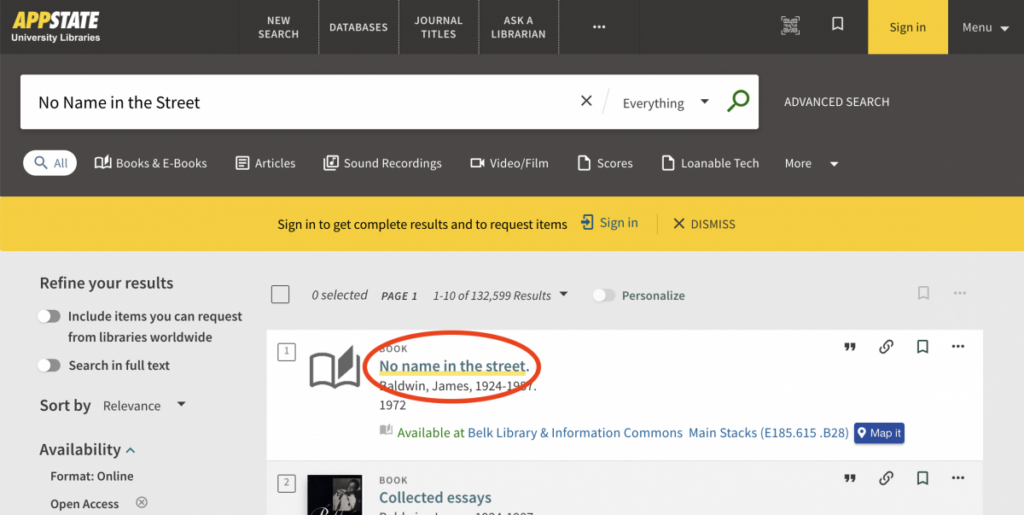
Choose the title of the item you want to see its full record.
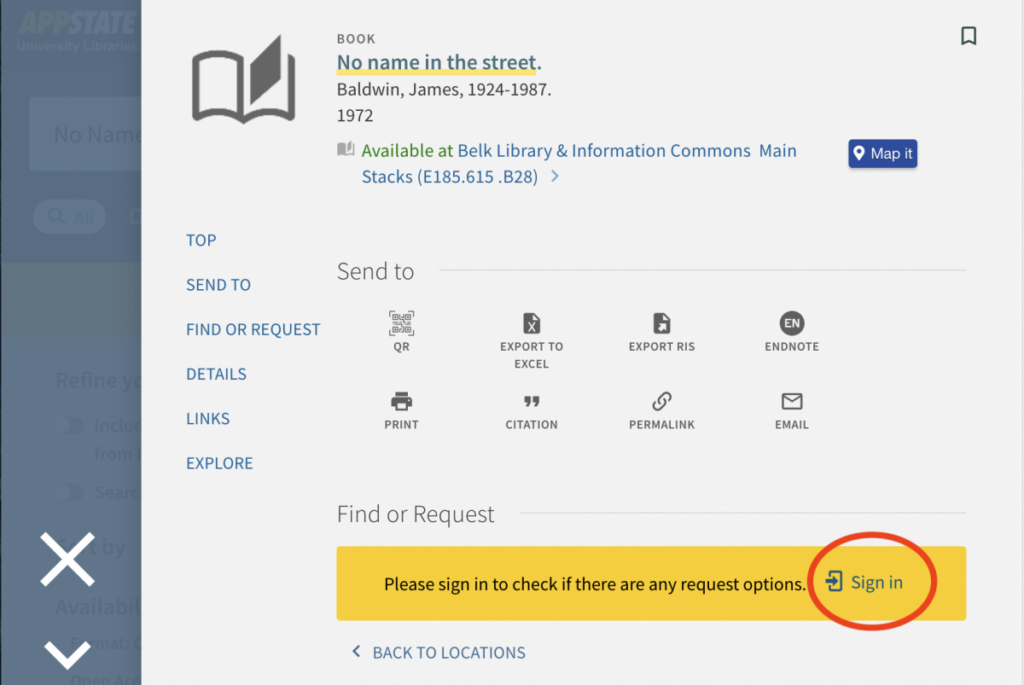
Look for the Find or Request section, and Sign In if you see a gold prompt like the one below. If you are already signed in, skip to Step 4.
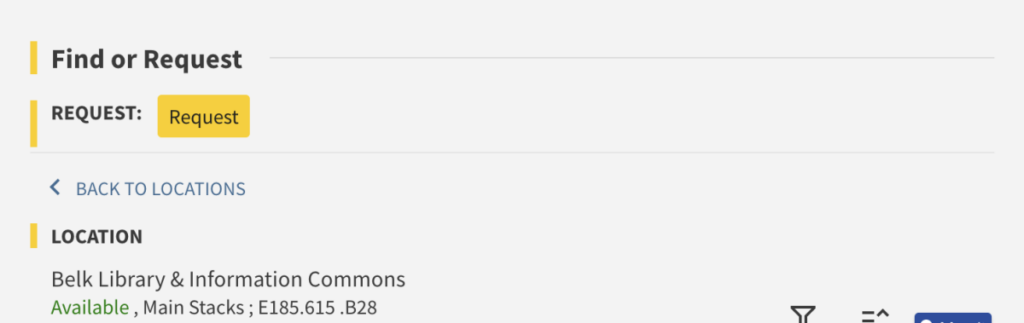
In the Find or Request section, choose Request.
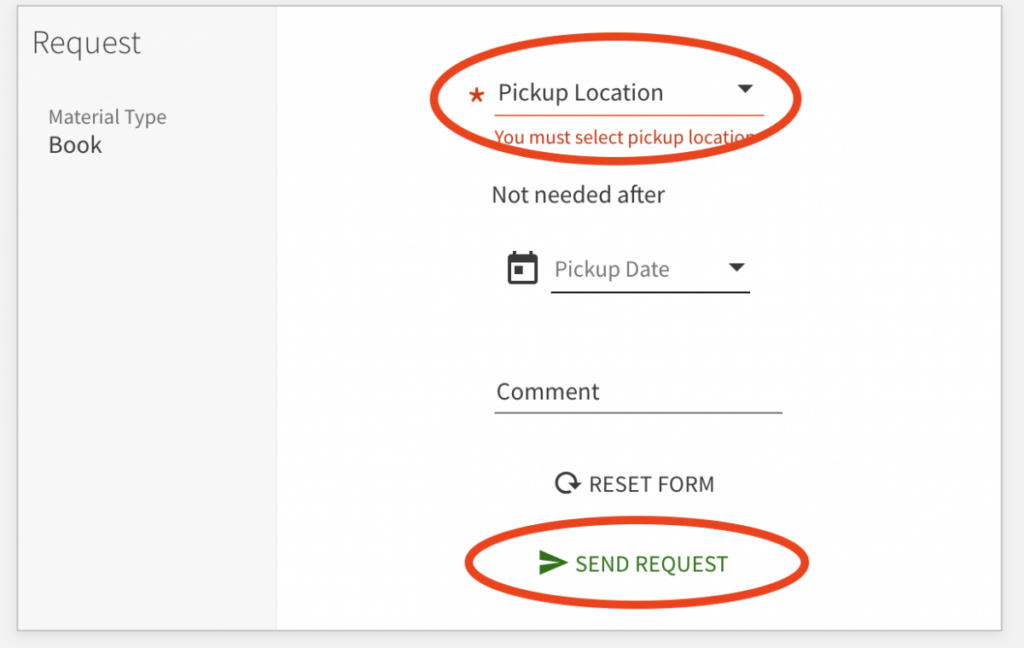
Select a pickup location and then choose Send Request. You’ll get an email when your item is ready for pickup.