How to Find eBooks in OverDrive (Libby)
This tutorial will show you how to search for ebooks in OverDrive. OverDrive allows your to search, advanced search, and browse for ebook and audiobook titles.
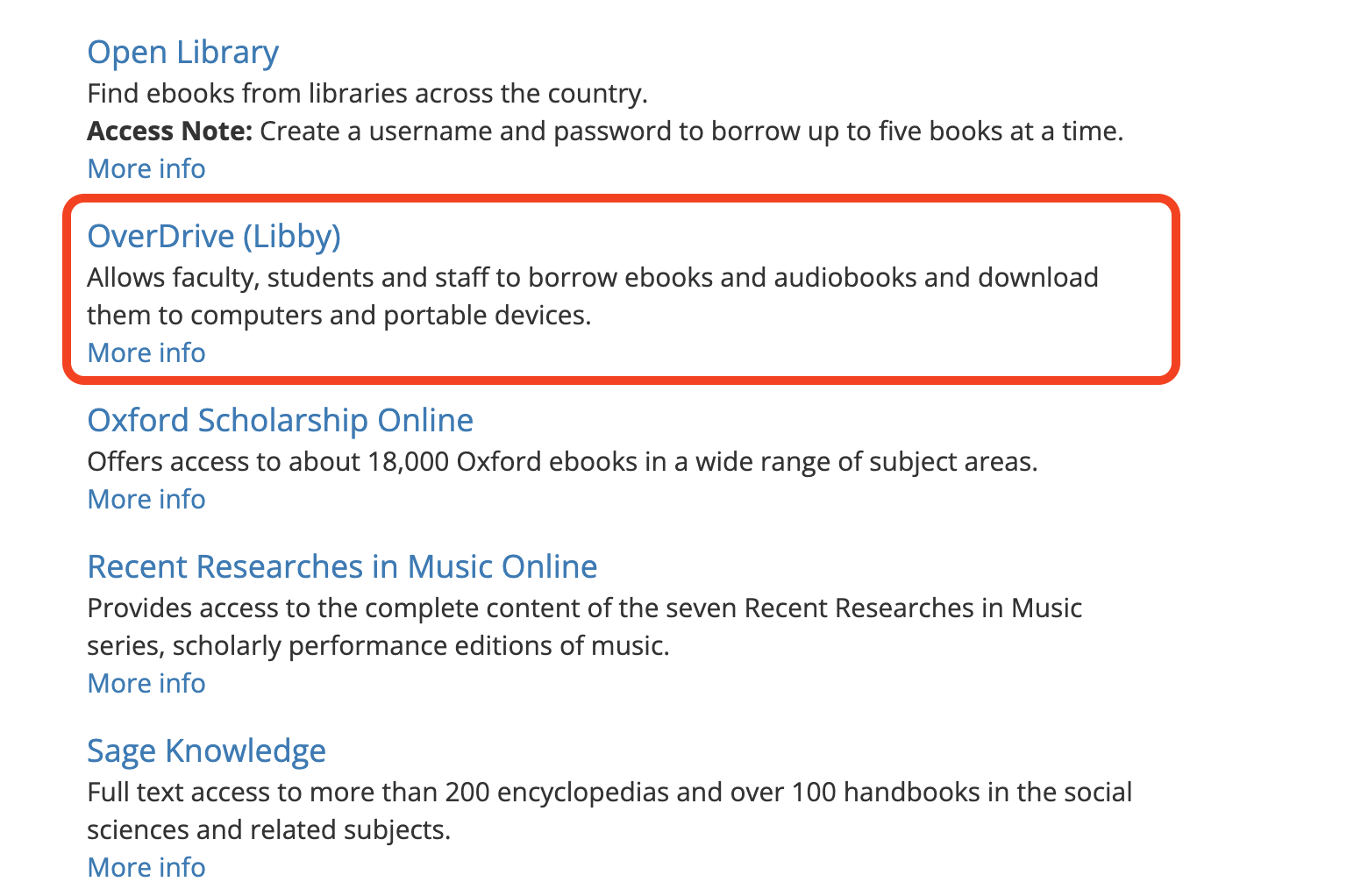
How to Access OverDrive
- Go to the library’s homepage
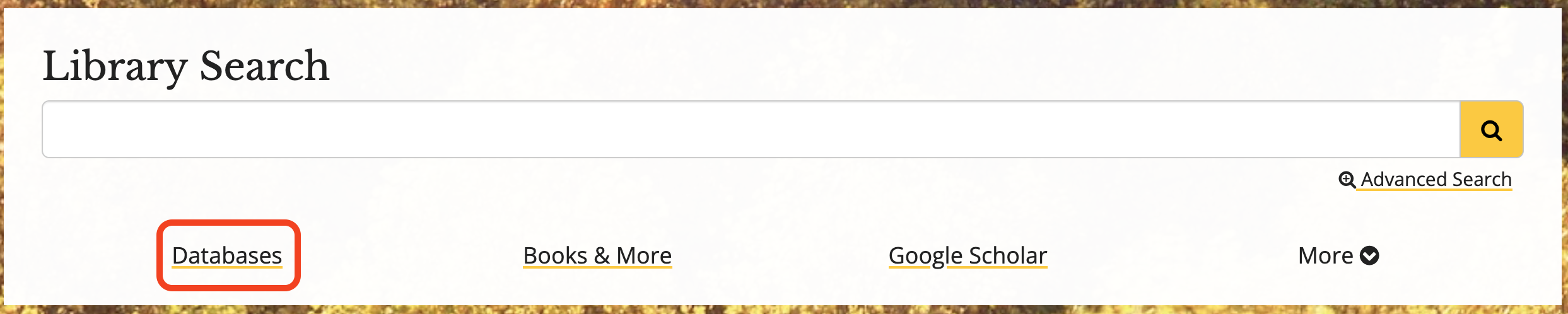
- Click on Databases
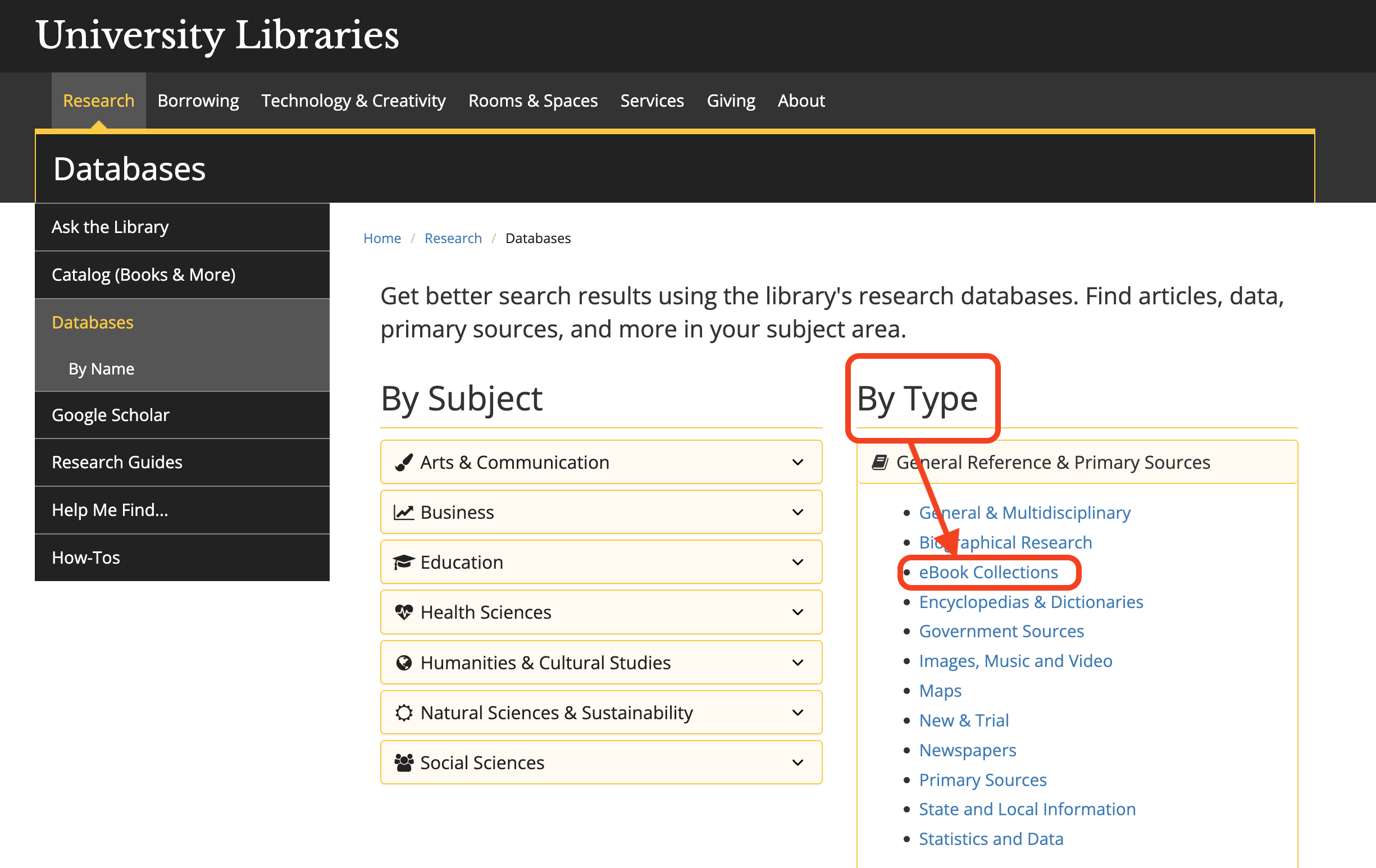
- Under Type, click the eBook Collections
- Scroll down to OverDrive, click the link, and log in
How to Search (Basic)
- Log in with your App State credentials
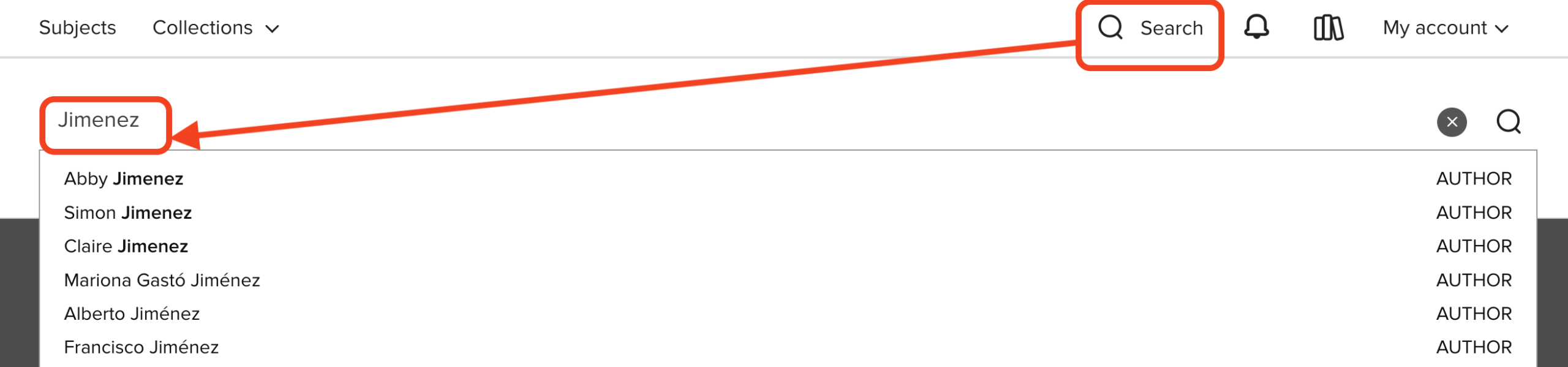
- If you know what you’d like to search for, select Search, then enter your search terms
- You can search by title, series, creator (such as author or narrator), and more
How to Search (Advanced)
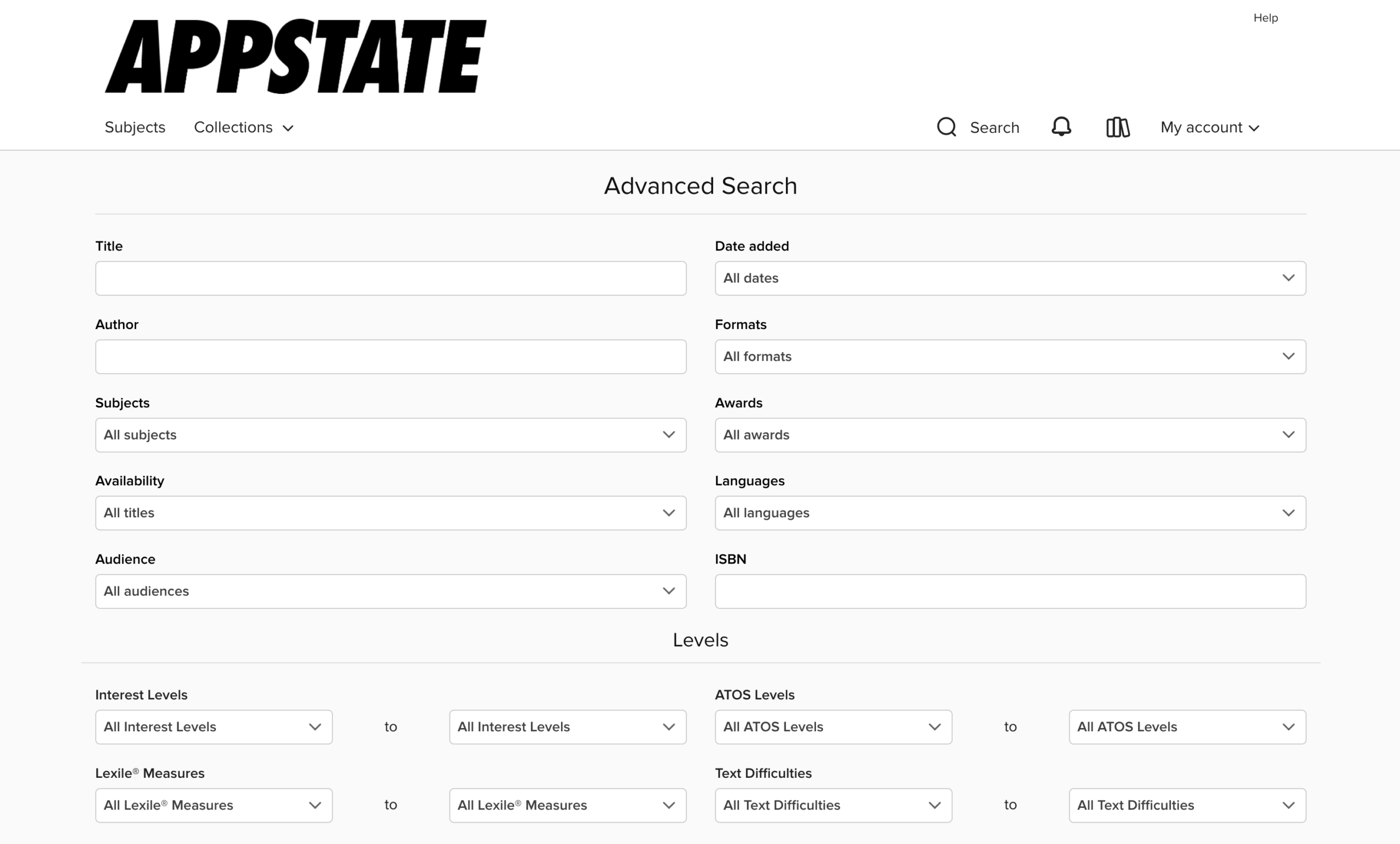
To run an advanced search, select Search, then Advanced. This lets you search by subject, audience, format, date added to site, awards, ISBN, and more.

Browsing
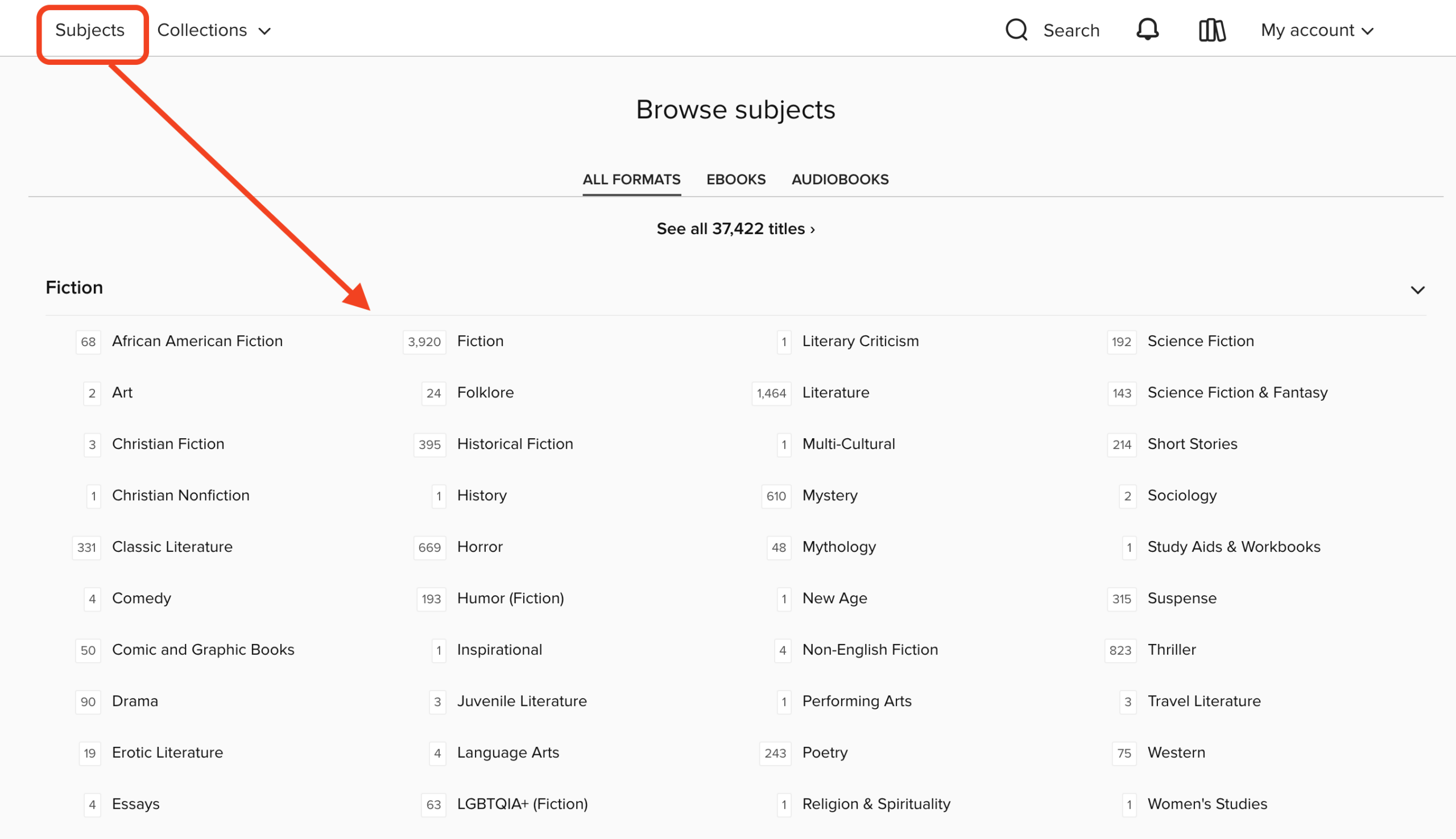
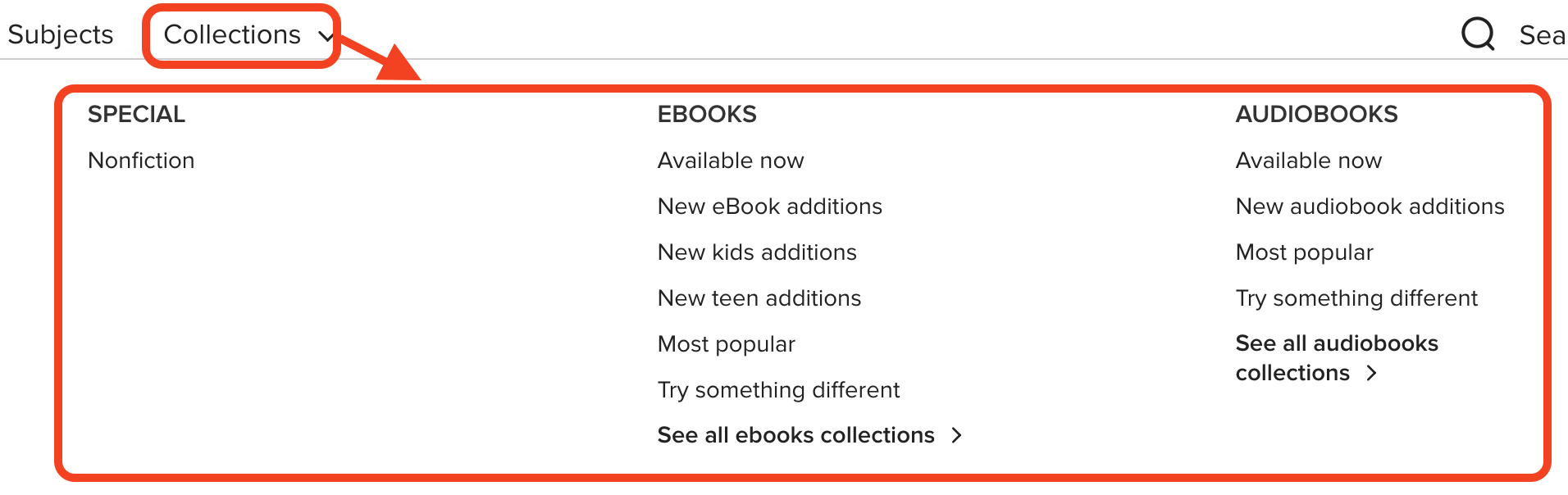
- To browse through titles, use the Subjects menu near the top of the website to view all subjects in your library’s digital collection. Or, use the Collections menu to browse collections
- On a mobile device, tap ≡ in the top-right corner to see these options
Borrowing an eBook or Audio Book
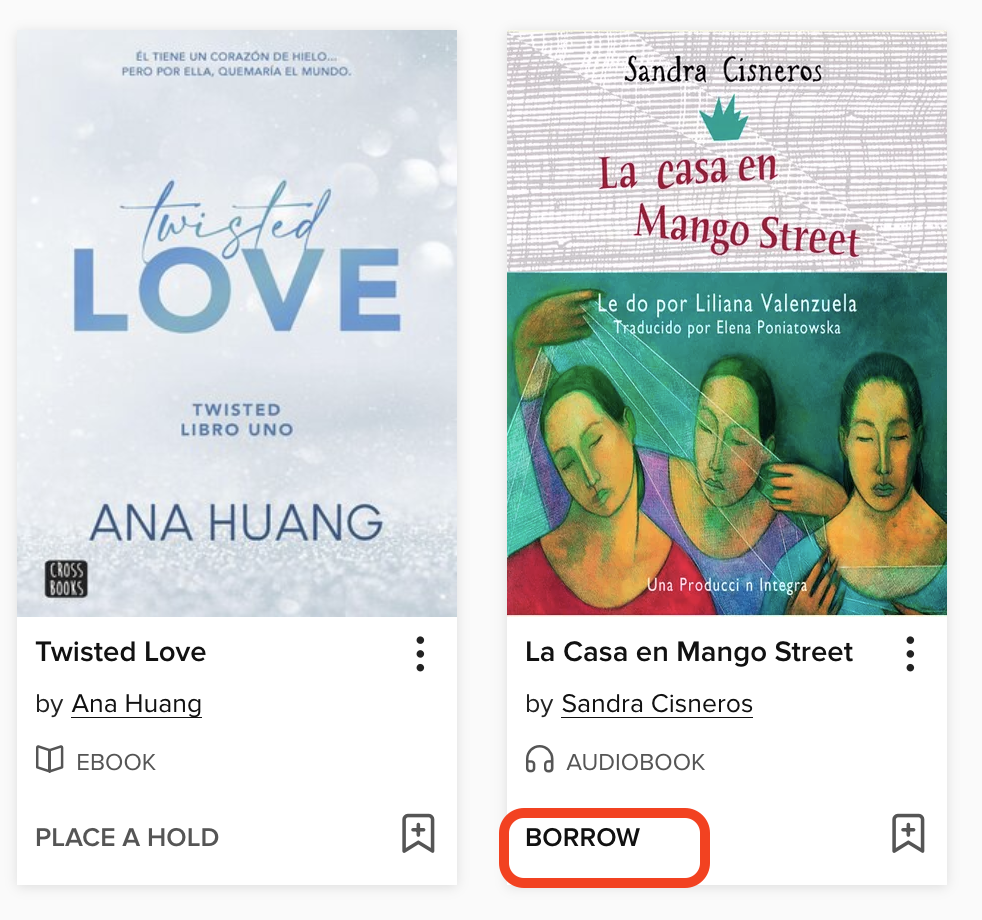
- Find an available title in App State’s collection and click Borrow. You can also click the title’s jacket to open its details page and learn more about it.
- You can place a hold if the title is not available
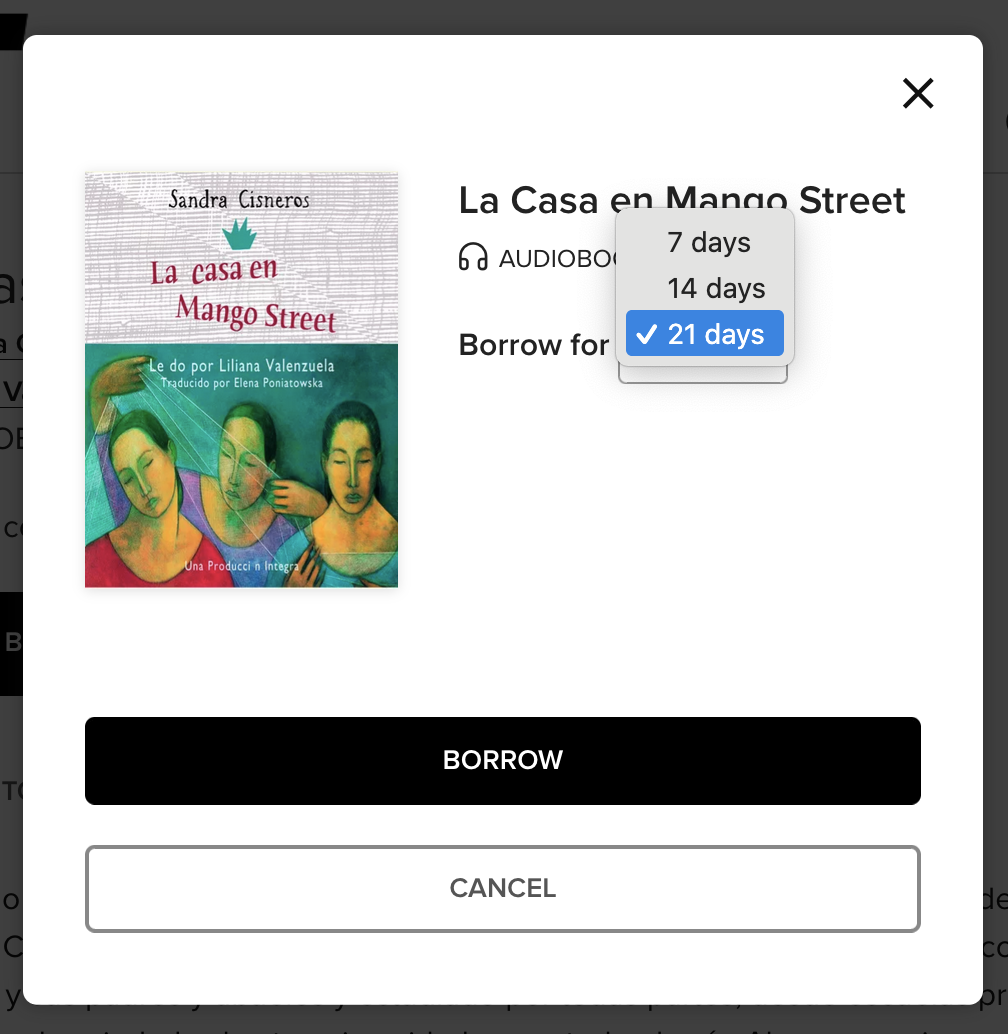
- Choose a lending period, and select Borrow again.