How to Find eBooks in MackinVIA
This tutorial will show you how to search for ebooks in MackinVIA. MackinVia is a database of ebooks ranging from picture books to middle grades.
How to Access MackinVIA
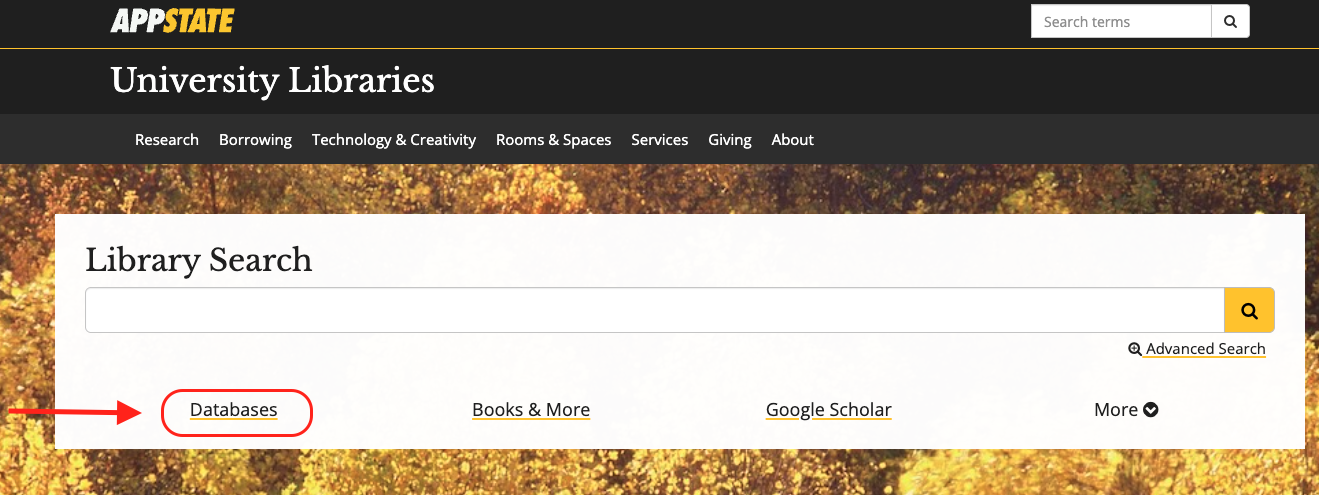
- Navigate to the library’s homepage
- Click on Databases
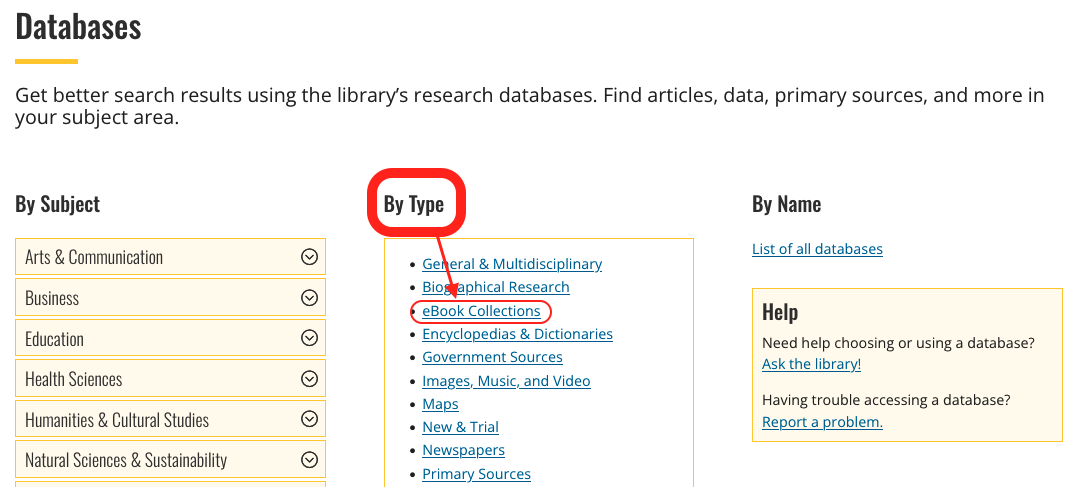
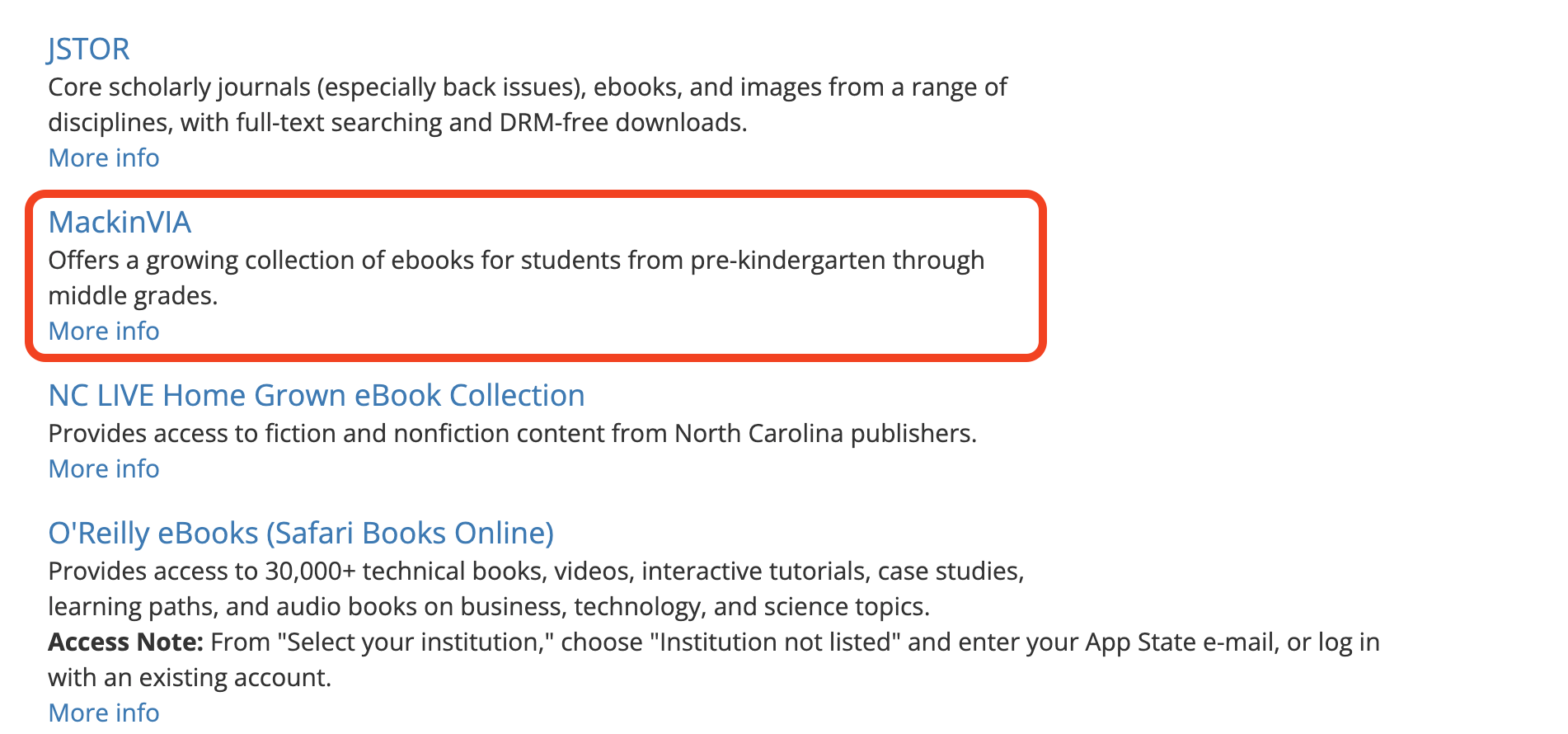
- Under Type, click the eBook Collections
- Scroll down to MackinVIA, click the link, and log in
Searching within MackinVIA
- Use the search bar in the top right to search by keyword, title, author, series, and more
- Press the search icon
- Your search results will appear below
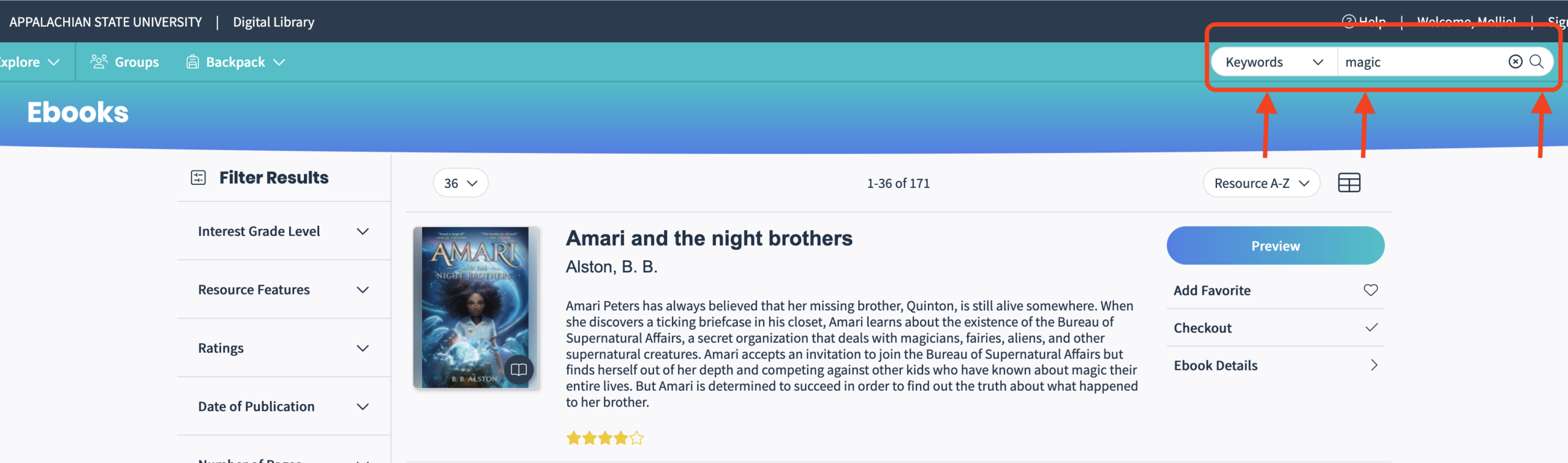
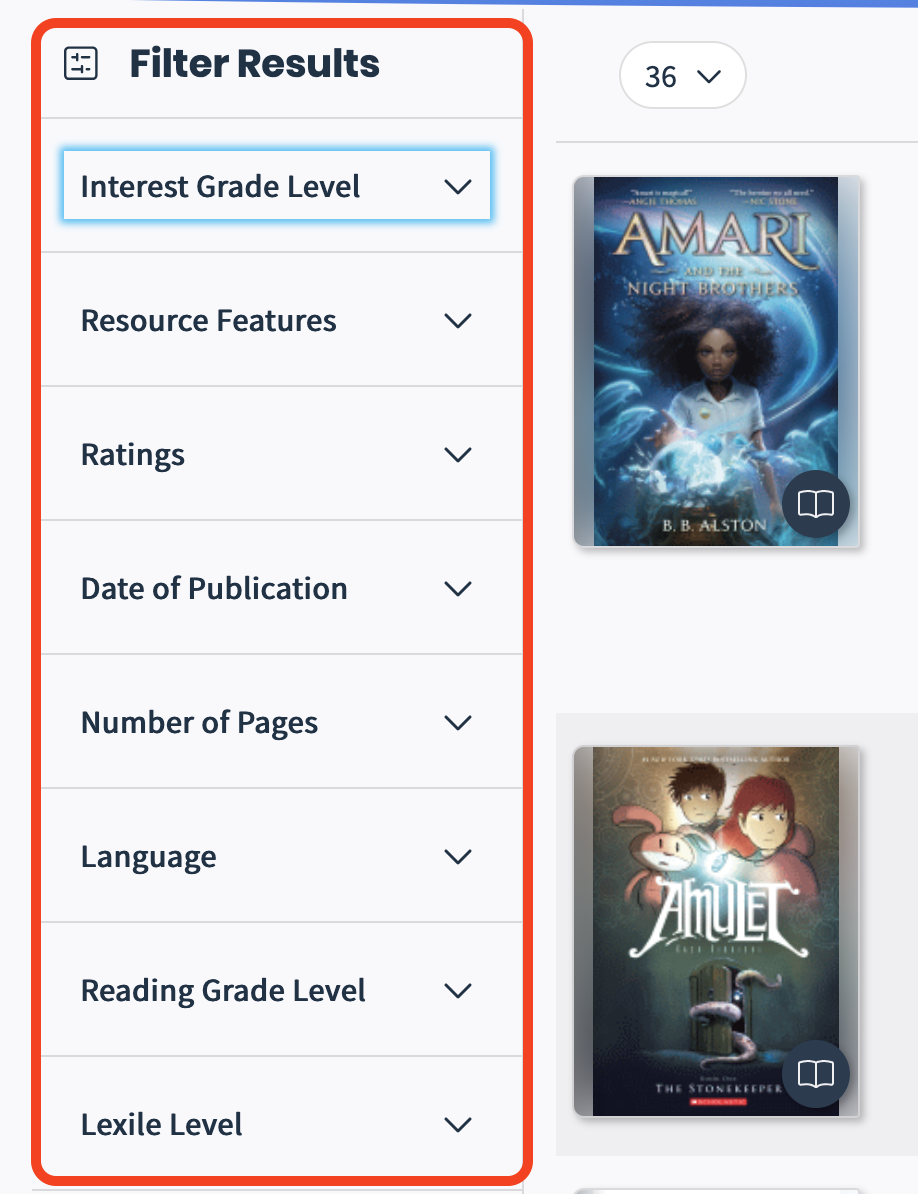
- Select options from the limiters on the left of the screen to narrow your search results.
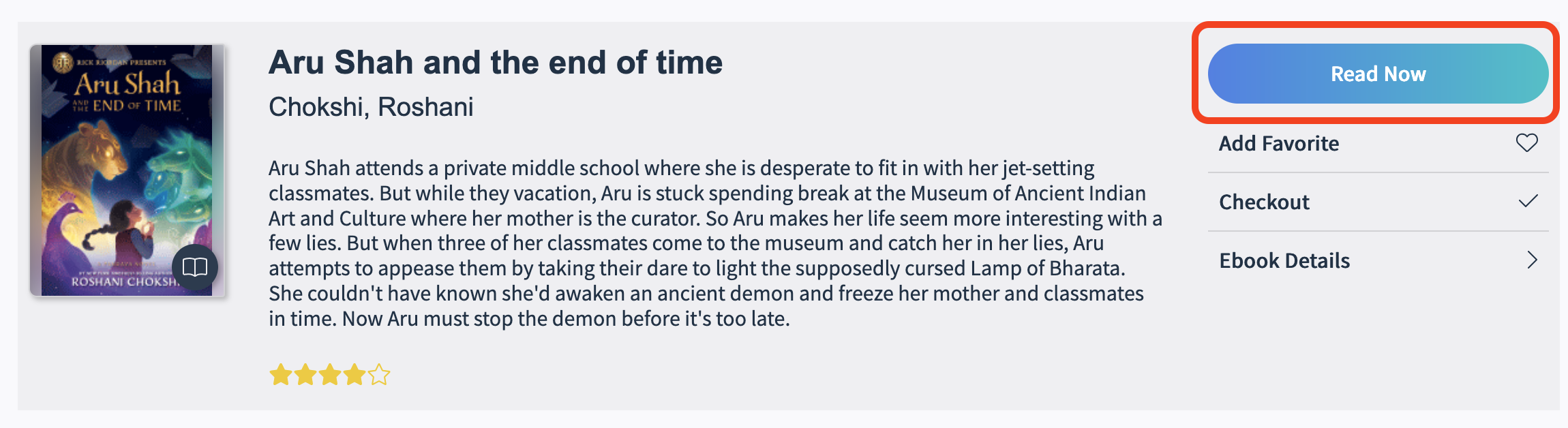
- Click open now to read a book.