Finding Resources Using Gale Literary Sources
Steps to use Gale Literary Sources beginning from the University Libraries homepage.
How to Access Gale Literary Sources
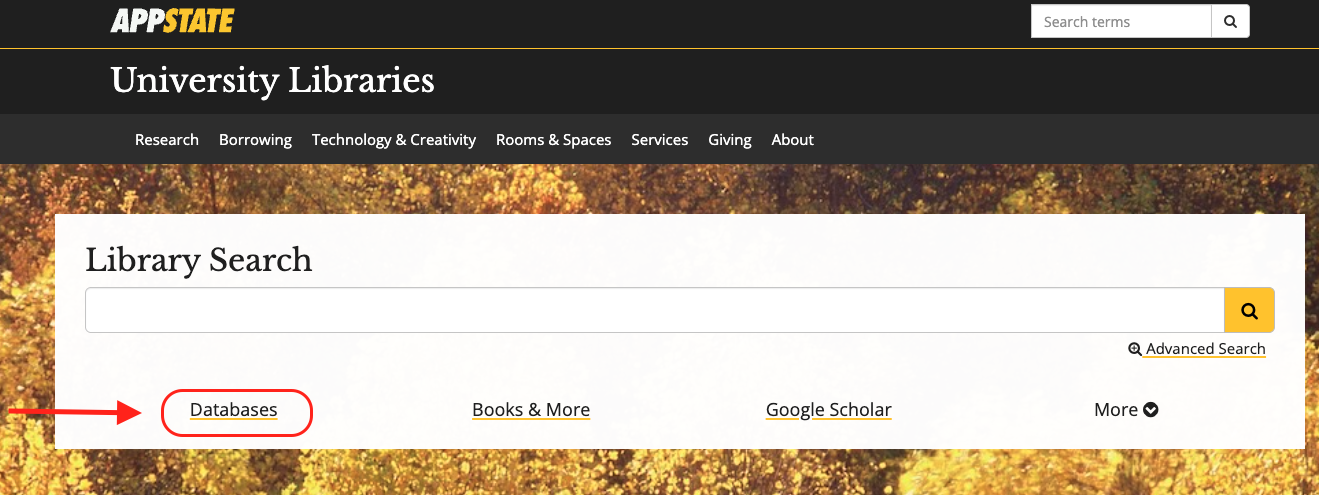
- From the University Libraries homepage, click on Databases
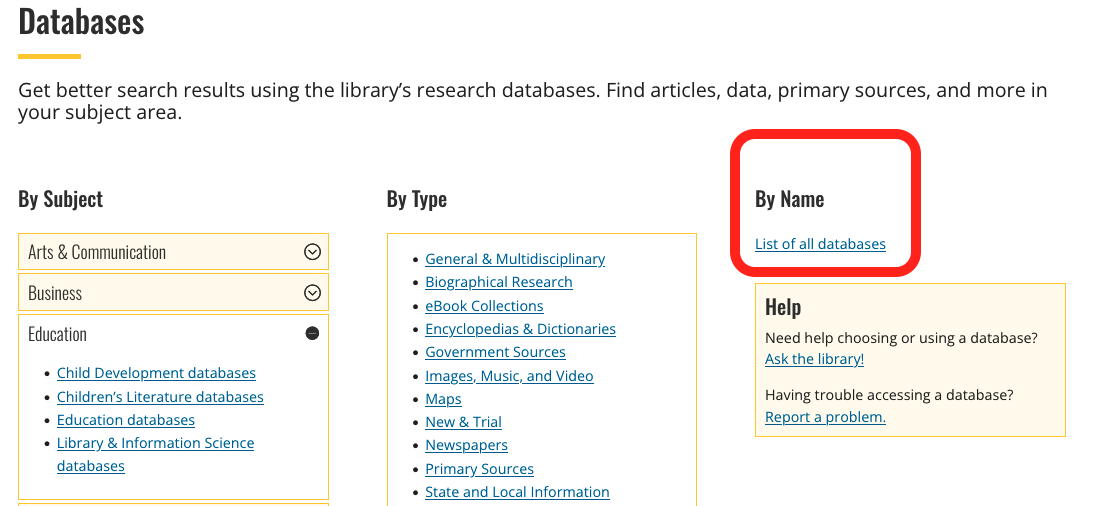
- Click on ‘By Name’ to search by name
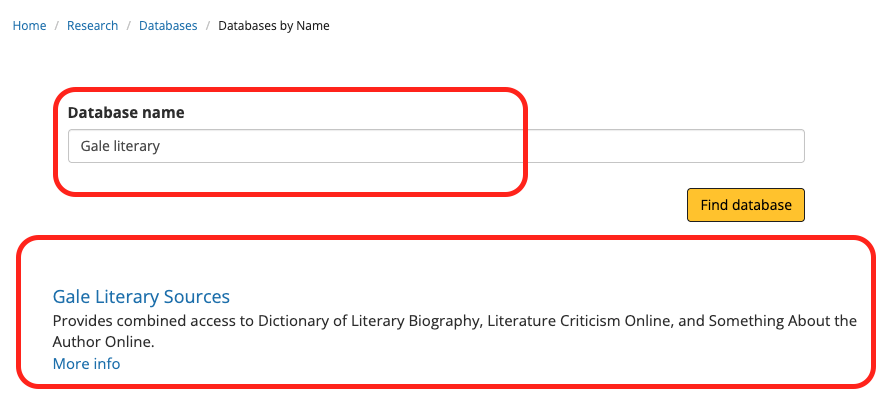
- Enter “Gale Literary” in the database search box, and click the ‘Find databases’ button
- Click Gale Literacy Sources
- You might need to login with your App State credentials
Searching within Gale Literary Sources
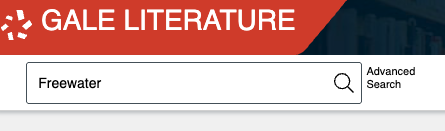
Click on Gale Literature to access a simple search box.
Type your search terms in the box and press the search icon.
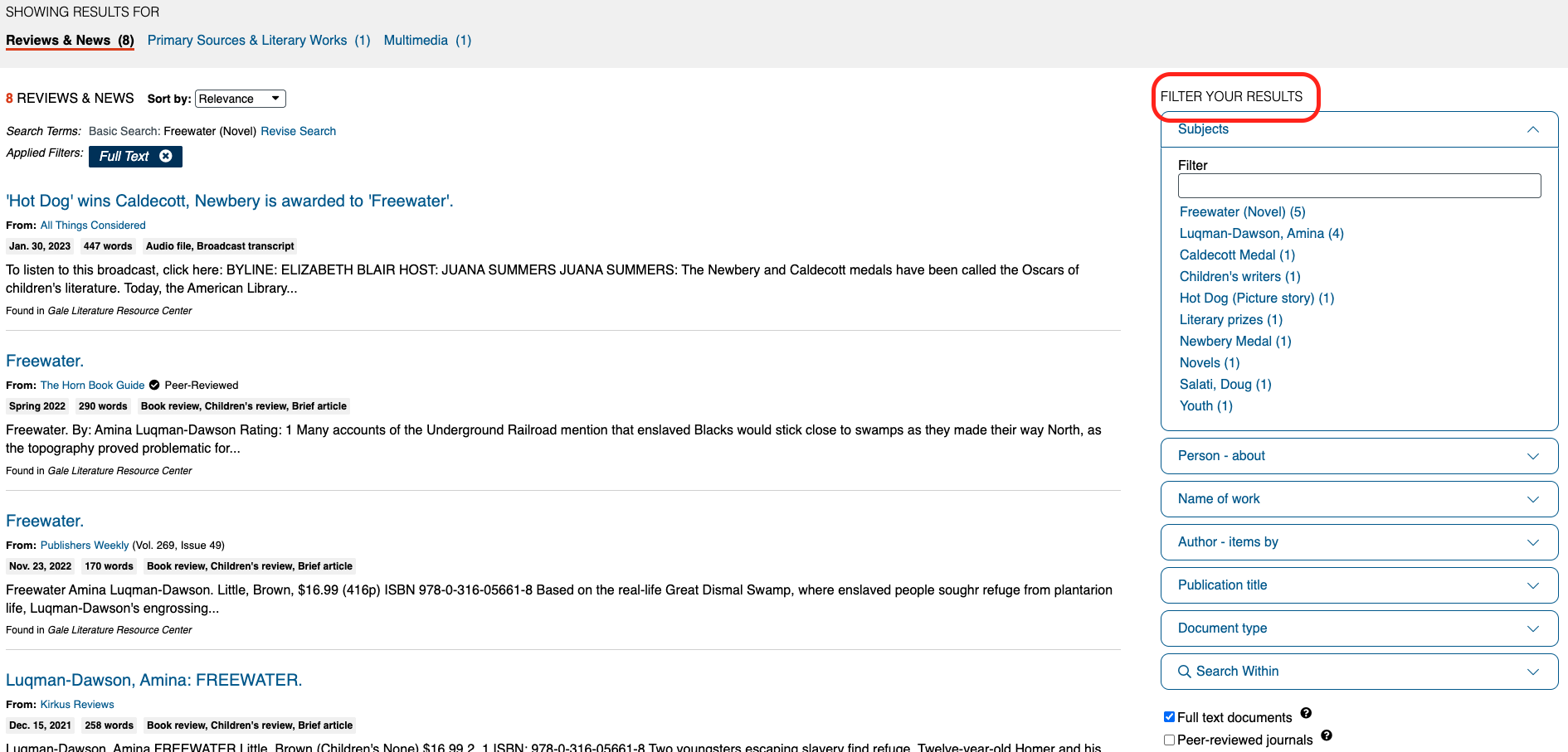
On the results page, you have several options for filtering your results.
Tip for Navigating Articles From Gale Literary Sources
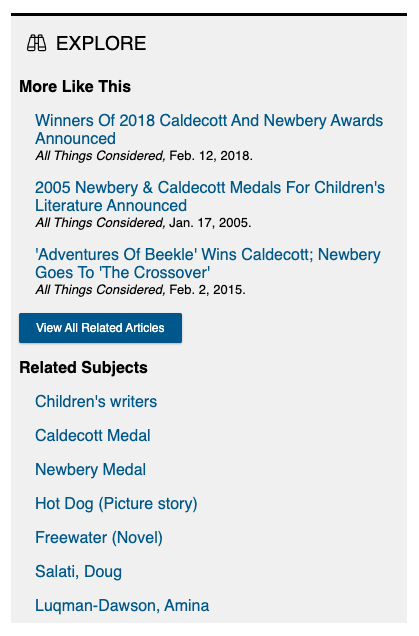
When viewing a source, you can view similar sources or subjects.