How to Save Filters
Library Search filters allow you to refine your search results. You can find them on the left side of the search results page.
To make filters stay in place while you're searching:
- From the library’s home page, launch your search.
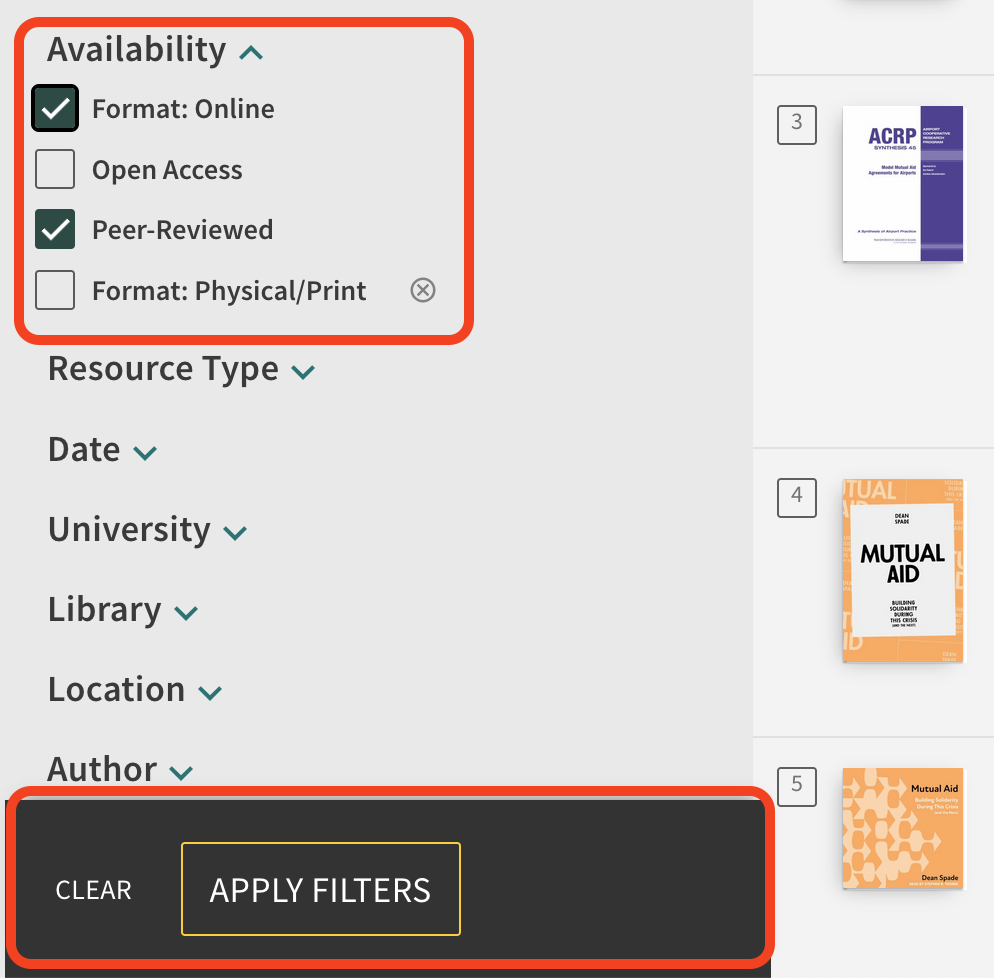
- On the left side of the results page, click on the filters that you would like to apply.
- Please note that there are two ways to apply filters, by clicking on the button/toggle OR by checking the box on the left and applying the filter(s). The below example shows the latter.
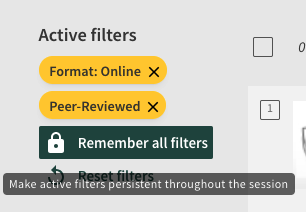
- The active filters should now appear at the top of the filters bar.
- Click “remember all filters.”
Once filters are “locked”, they will be applied to all of your searches until you remove them (click the “x” next to each) to remove the filters.